
Top 6 Fivetran.com Integration Alternatives
2026
Top 6 Fivetran.com Integration Alternatives 2026
Managing reliable, no-code data integration across modern apps and databases takes too much time and technical overhead. Many well-known tools add high costs for steady pipelines, lack industry-tailored features, or require coding for deep customization. This comparison covers six leading Fivetran.com alternatives so you can match each platform to your integration needs, deployment model, and budget without running multiple paid pilots.
Table of Contents
- Datalakehouse.io - DLH.io
- integrate.io
- Skyvia
- Polytomic
- BladePipe
- Stacksync
- Comparison of alternatives
DLH.io
At a Glance
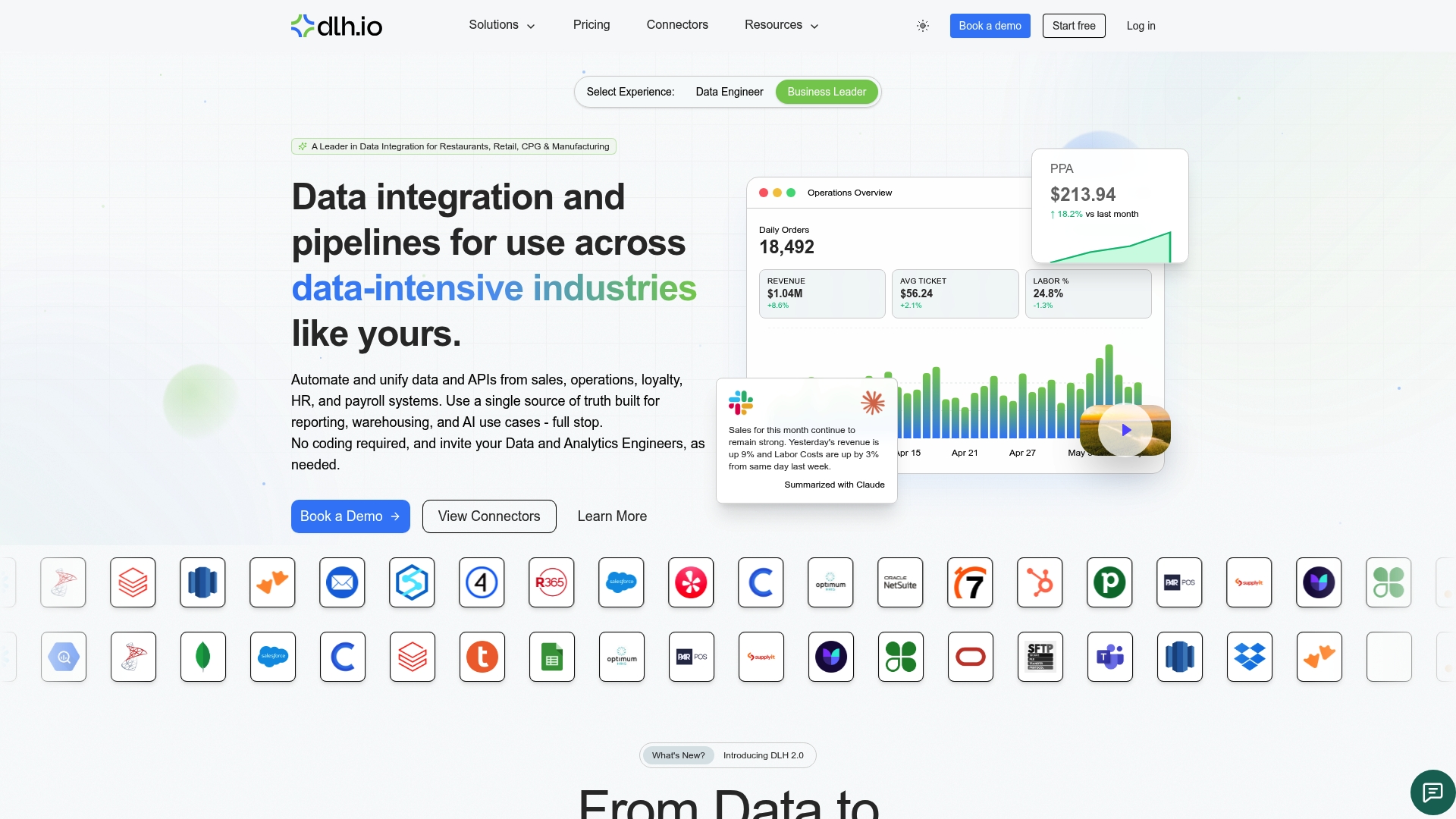
The platform targets restaurants, retail, CPG, and manufacturing and centralizes sales, payroll, and inventory data. The vendor advertises success stories of increased revenue and faster reporting, and it claims deployment in days instead of months.
Core Features
DLH.io connects to operational, HR, payroll, and third party systems and delivers unified data into a warehouse or lake. It requires no code for integration, offers pre-built dashboards tailored to specific industries, and includes AI-powered data summarization for faster interpretation. The platform also provides direct access to raw tables for teams that need custom analysis.
Key Differentiator
The standout capability is fast deployment paired with industry specific pre-built dashboards and AI capabilities for operational decision support. That deployment claim means you can reach dashboarded visibility sooner than multi month rollouts some teams face. The combination of ready dashboards and automated pipelines reduces the engineering time required to get reliable sales and labor metrics.
Pros
DLH.io reduces manual report generation by pulling POS, scheduling, payroll, and vendor data into one source. It gives near real time unified visibility across systems so managers see sales and labor metrics in a single view. The pre-built industry dashboards speed adoption for nontechnical teams while the managed approach lowers the need for heavy internal ETL work.
Cons
- Complex or highly customized systems may require professional support to complete the integration and optimize performance.
Notable Integrations
Connects to Ceridian Dayforce, Brink POS, NCR Aloha POS, Salesforce, Yelp, Oracle PeopleSoft, 7Shifts, and HubSpot. These integrations cover payroll, point of sale, scheduling, CRM, and review platforms.
Who It's For
Data engineers, analytics teams, and operational managers at restaurants, retail chains, and hospitality operators who want fast, reliable data unification will benefit most. HR and payroll teams in multi location organizations gain simpler access to headcount and cost data. Teams with limited engineering resources get the most value from the managed, no code approach.
Unique Value Proposition
No code, fully managed integration into a single data source for sales, payroll, and inventory removes the need for custom pipelines and long build cycles. That reduces the headcount and contractor hours required to stand up reliable reporting. For organizations that must act on daily sales and labor figures, the platform shortens the time from data to decision while keeping source level access open.
Real World Use Case
A restaurant chain connects POS, scheduling, payroll, and vendor systems to a single dashboard for real time sales and labor analytics. Managers use those dashboards to adjust staffing the same day and to spot cost drift across locations. Central analysts access raw tables when they need custom joins or historical modeling.
Pricing
Pricing begins is competitive and can be based on a per location basis for restaurant/retail customers, by employee for HCM implementations, and custom for enterprises with larger data integration deployment needs. The vendor offers per location and per employee models to suit restaurant or retail footprints. Enterprise customers can request tailored contracts for high volume or complex integration needs.
Website: https://datalakehouse.io
integrate.io
At a Glance
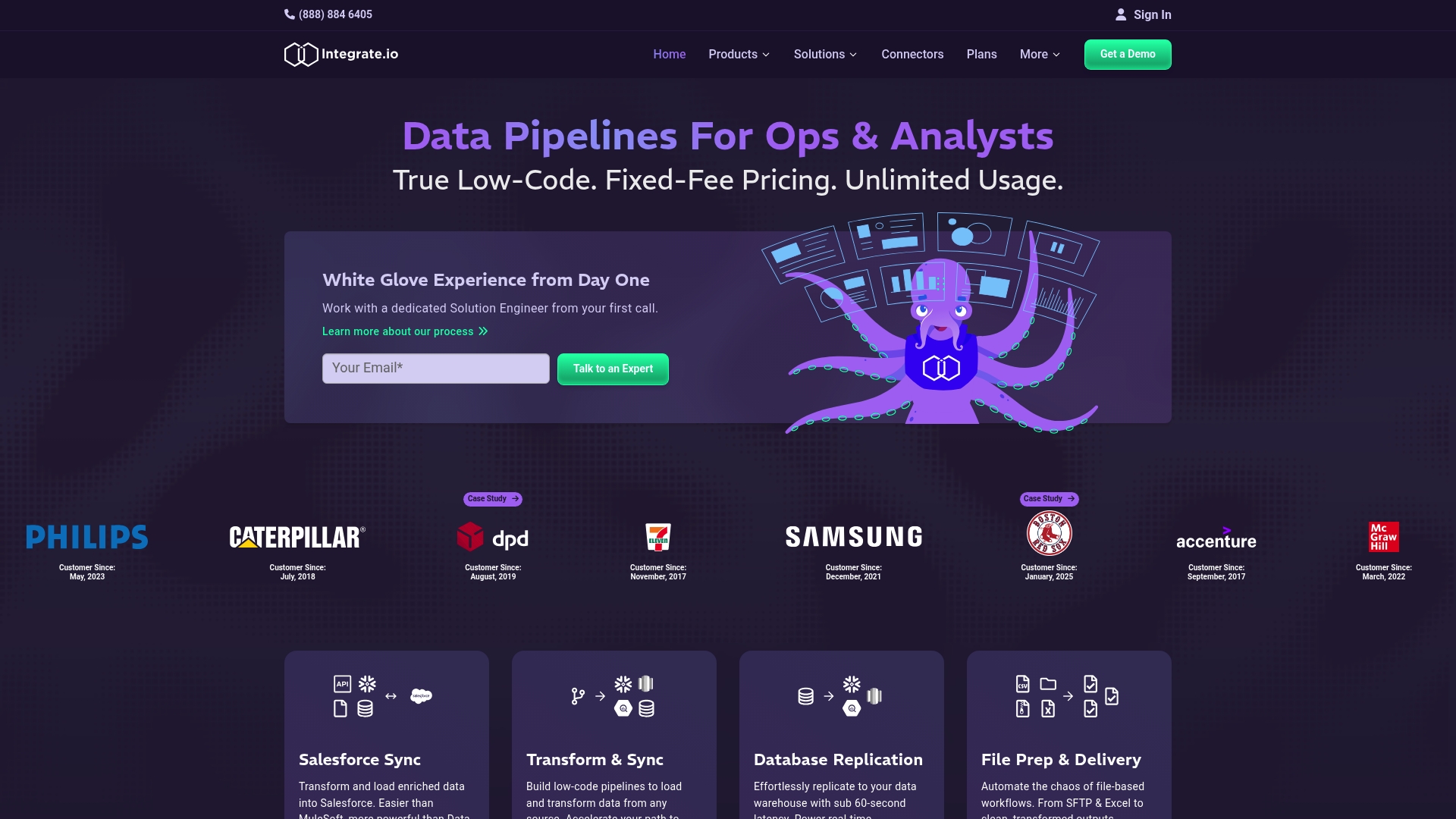
integrate.io advertises fixed-fee, unlimited data pipelines at $1,999/month. The vendor reports 60-second CDC for real-time replication. The platform pairs low-code pipeline building with expert-led onboarding and 24/7 support to move teams from pilot to production quickly.
Core Features
A drag-and-drop low-code interface lets technical and non-technical team members build ETL and CDC flows. Automated bidirectional connectors cover common sources and destinations while the platform exposes a catalog of transformations for data cleansing and enrichment. The vendor reports 220+ low-code data transformations, and dedicated solutions engineers support deployment and ongoing maintenance.
Key Differentiator
integrate.io centers on a fixed-price, unlimited usage model plus rapid deployment and hands-on support. That combo aims to remove variable consumption billing and shorten time-to-value for teams that need predictable costs and a partner for pipeline operations.
Pros
Ease of use for both analysts and engineers reduces the backlog of one-off extract processes, and that ease pairs with dedicated support during onboarding and pilots. The platform advertises fast replication, which helps operational analytics that require near real-time visibility. The vendor states compliance with SOC 2, GDPR, and HIPAA, and the pricing model removes per-gigabyte billing for teams with heavy throughput.
Cons
-
Documentation and reviews provide limited detail on deep customization for highly specialized sources; teams with bespoke systems may need evaluation.
-
The fixed-fee price point may be expensive for small teams or low-volume projects despite unlimited data allowances.
-
Some buyers report unclear visibility into cost trade-offs when their usage patterns change over time.
When It May Not Fit
If your environment relies on highly niche or proprietary connectors, integrate.io may not deliver immediate coverage without engineering investment. Small startups with intermittent data needs could pay more than they consume under the fixed-fee model. Organizations that require granular per-job cost tracking may prefer a consumption-priced alternative.
Notable Integrations
- Salesforce
- HubSpot
- NetSuite
- MySQL
- PostgreSQL
- Snowflake
- Amazon S3
- Google BigQuery
Who It's For
Data engineers and analytics teams that run high-volume pipelines and want predictable billing benefit most. B2B companies that move large data sets between cloud warehouses and operational systems gain from the unlimited usage model. Teams seeking vendor assistance for deployment and operations will appreciate the dedicated solutions engineers.
Real World Use Case
A retail team automates data flows from e-commerce platforms, CRM, and marketing tools into a warehouse for real-time analytics. That setup enables targeted campaigns and same-day sales reporting without hiring additional ETL developers. The expert onboarding helped shorten the initial rollout period.
Pricing
The vendor advertises a fixed-fee model at $1,999/month for unlimited usage data pipelines, with options to customize plans for enterprise needs. That pricing provides predictable costs for high-throughput teams and enterprise negotiation for added services.
Website: https://integrate.io
Skyvia
At a Glance
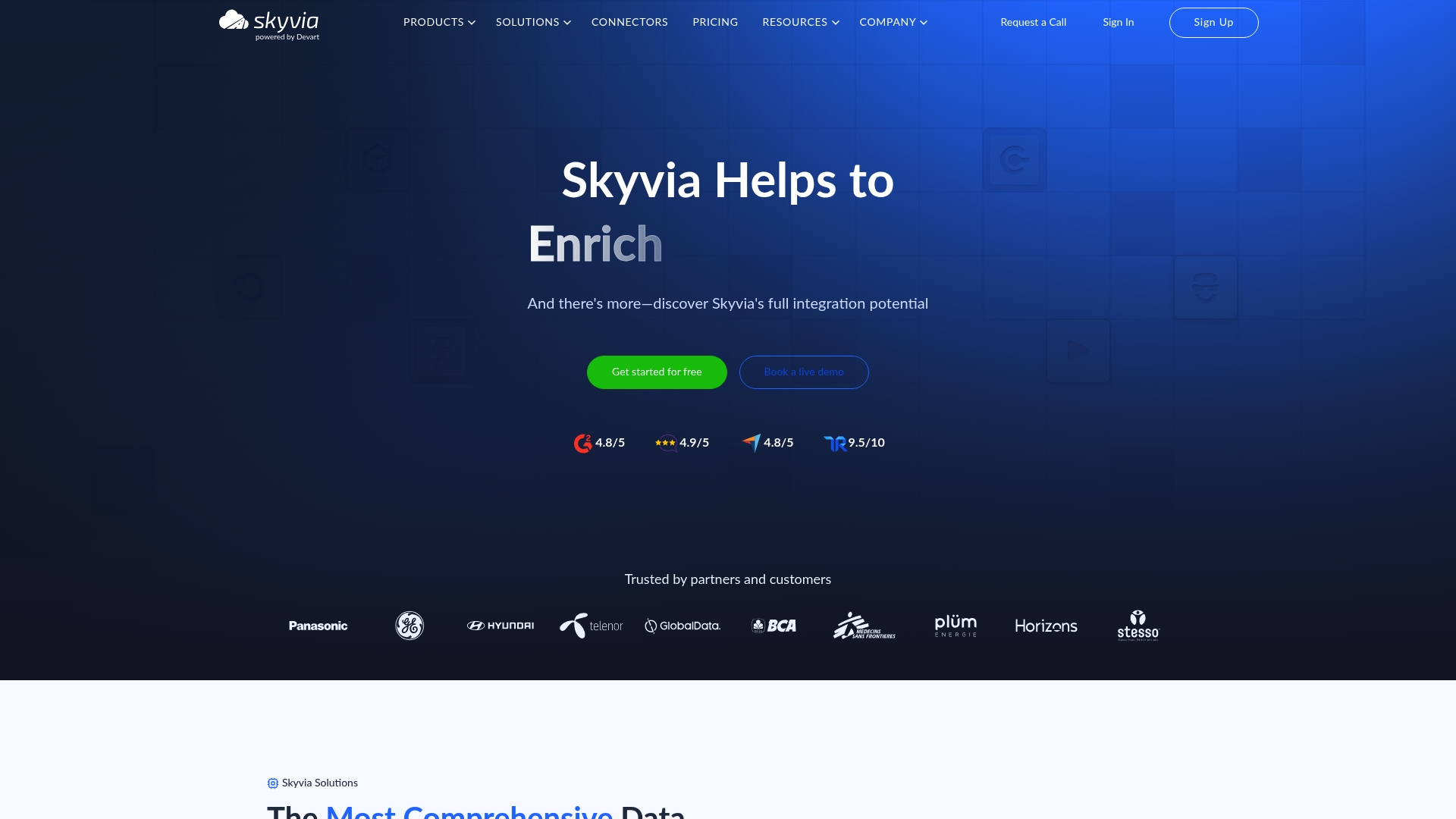
Skyvia supports over 200 connectors, letting teams pull from cloud apps, databases, and file stores without custom coding. It exposes real time data access via web APIs and multiple endpoint types so applications can read fresh data. The platform also combines backup, replication, and scheduled pipelines in one offering.
Core Features
Skyvia provides visual, no code tools for building ETL and reverse ETL pipelines, plus automated scheduling and workflow logic for recurring syncs. It includes SQL-based transformations and expression support for complex data shaping, and it runs in Azure to provide a cloud-hosted, managed execution environment. Multiple endpoint types include OData, SQL, and managed connection protocols for publishing live data.
Key Differentiator
Skyvia focuses on letting nondevelopers deliver integration and real time access without writing code while keeping options for SQL power users. That mix suits teams that need both quick setup and the ability to refine logic with expressions or SQL. The broad connector catalog shortens time to value for cross-cloud migrations and reporting.
Pros
The interface favors business analysts and data engineers who want to build pipelines using visual designers rather than SDKs. A large catalog of prebuilt connectors reduces custom connector work and eases onboarding for common sources such as CRMs and cloud databases. Scheduling and automation features handle recurring jobs, and the platform can publish live endpoints so dashboards and apps read data without maintaining separate replication jobs. Skyvia also offers a free tier and paid plans designed to scale to larger workloads.
Cons
-
Some teams report a learning curve when they model complex branching workflows and error handling. This requires extra configuration and testing.
-
The service is primarily cloud based and offers limited offline or on premise deployment options, which restricts hybrid or air gapped architectures.
-
Pricing can become costly for sustained, high volume data movement, particularly for large scale warehouse loads.
When It May Not Fit
If your organization requires on premise agents or fully offline operation, Skyvia will not match that deployment requirement. Organizations with continuous, very large throughput should evaluate long term costs versus a self-hosted pipeline. Teams wanting turnkey professional services for custom connector development may need supplemental vendor support.
Notable Integrations
- Microsoft Excel
- Google Sheets
- Looker Studio
- Salesforce
- PostgreSQL
- MySQL
- Amazon S3
- Dropbox
Who It's For
IT professionals, data analysts, and business users who need an accessible, cloud hosted integration layer will find Skyvia useful. It fits teams that prefer visual pipeline design but still need SQL transformations for edge cases. Organizations that prioritize fast connector coverage and managed hosting will get the most benefit.
Real World Use Case
A retail company synchronizes customer records across Salesforce, a marketing automation tool, and a centralized warehouse. The team runs scheduled replications and exposes a live API endpoint for marketing dashboards. That setup reduces manual exports and provides fresher segmentation data for campaigns.
Pricing
A free tier is available for small volumes and basic features. Paid plans start at $79/month for core integration needs and scale to custom enterprise options for larger workloads. Exact enterprise pricing is available through vendor sales channels.
Website: https://skyvia.com
Polytomic
At a Glance
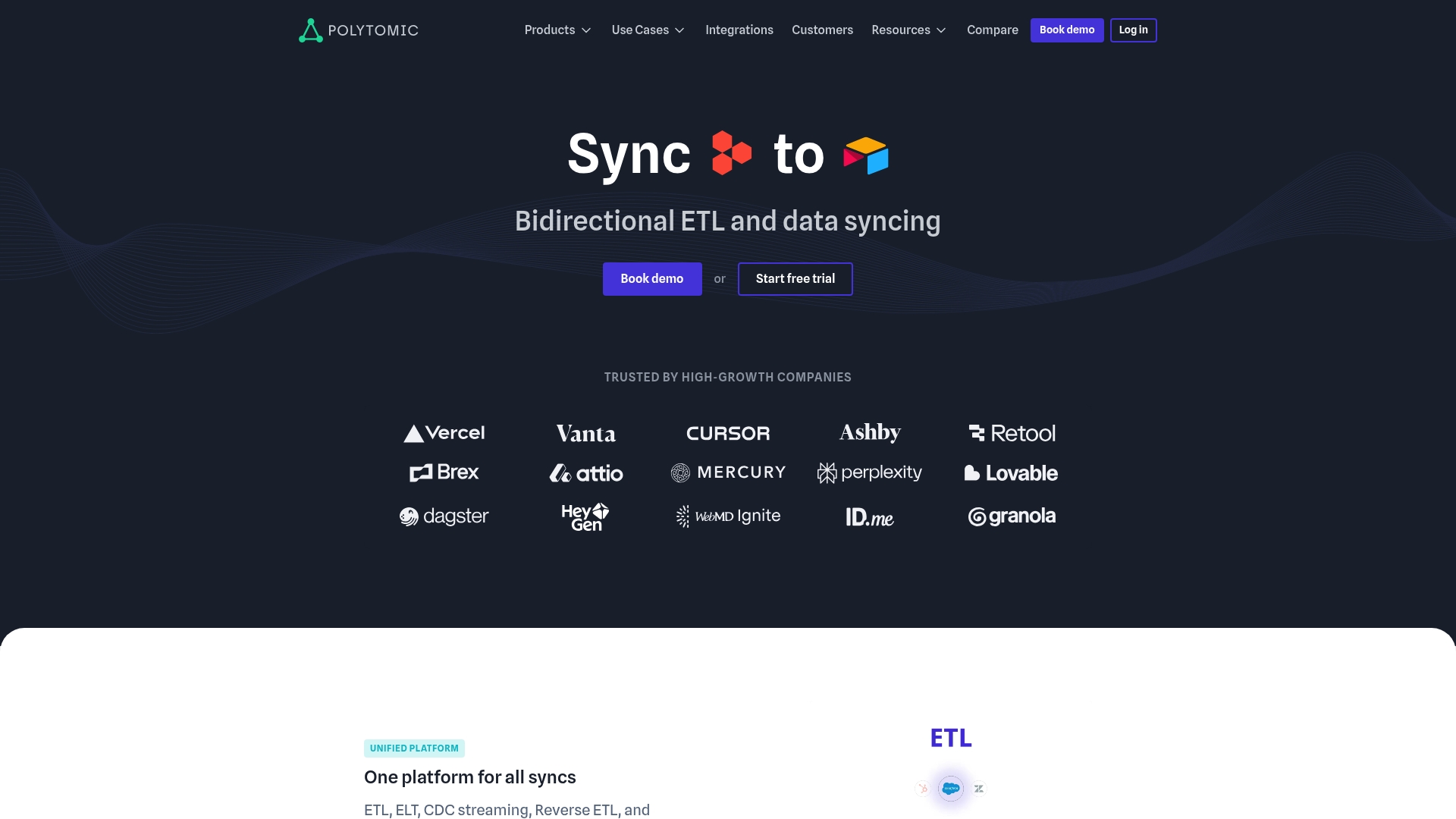
Polytomic reports a rich integration library of over 40 connectors, including Snowflake and Salesforce. It unifies high-scale ETL, Reverse ETL, and CDC streaming into a single platform that supports bidirectional sync. The vendor advertises both no-code setup and SQL-based customization plus optional self-hosting.
Core Features
Polytomic combines ETL, Reverse ETL, CDC streaming, API endpoints, and spreadsheet sync into one workflow that handles both scheduled and real-time movement. The platform exposes a no-code UI for quick setups while also supporting custom SQL for advanced modeling and transformations. For enterprises, it offers SSO, RBAC, audit logs, self-hosting, and infrastructure-as-code support with Terraform.
Key Differentiator
Polytomic's strongest distinction is the blend of a point-and-click interface and native SQL control inside one product, with a self-hosting option that hands full infrastructure control to customers. That mix reduces the number of vendors teams manage when they need both simple syncs and complex, bidirectional pipelines. It targets teams that must run secure, high-volume syncs while keeping the option to operate inside their own network.
Pros
Supports large-scale, enterprise-grade operations while exposing both simple and advanced controls, which shortens onboarding for mixed technical teams. The platform offers self-hosting for compliance-sensitive deployments and detailed logs and error notifications for production reliability. Integration turnaround is fast by vendor account, and the feature set consolidates ETL, Reverse ETL, and streaming needs into a single product.
Cons
- Initial setup can be complex for non-technical users, with configuration work required to map large schemas and security controls.
- Pricing starts at $500/month, which may be high for very small teams or early-stage startups.
- Some niche or advanced connectors remain request-based or in beta, which can delay rollouts for unusual integrations.
When It May Not Fit
Teams that lack SQL or engineering support may struggle with the platform's more advanced features and self-hosted options. Very small organizations with limited budgets could find the entry price higher than their needs justify. Customers who require every niche connector immediately might face wait times while request-based integrations are built.
Notable Integrations
Connectors include Snowflake, Salesforce, BigQuery, HubSpot, Google Sheets, Marketo, PostgreSQL, and MongoDB, covering data warehouses, CRMs, marketing systems, and common databases. That set makes Polytomic a practical choice for companies synchronizing analytics stores and SaaS platforms.
Who It's For
Large data teams, RevOps groups, and enterprises that need reliable, scalable synchronization between warehouses and SaaS apps. Teams that require both easy point-and-click flows for basic syncs and SQL control for complex transformations will get the most value. Organizations with compliance needs benefit from the self-hosting and enterprise security features.
Real World Use Case
A company uses Polytomic to stream user engagement events from its product database into Salesforce and multiple marketing platforms. The setup enables targeted outreach based on recent behavior while preserving audit logs and access controls for compliance. That configuration supports high-volume records and both scheduled and real-time delivery.
Pricing
Polytomic lists pricing starting at $500/month for the Standard plan, with Enterprise options available on request. Custom enterprise quotes add features such as self-hosted deployment and expanded support. Volume discounts and contract terms are handled through direct sales discussions.
Website: https://polytomic.com
BladePipe
At a Glance
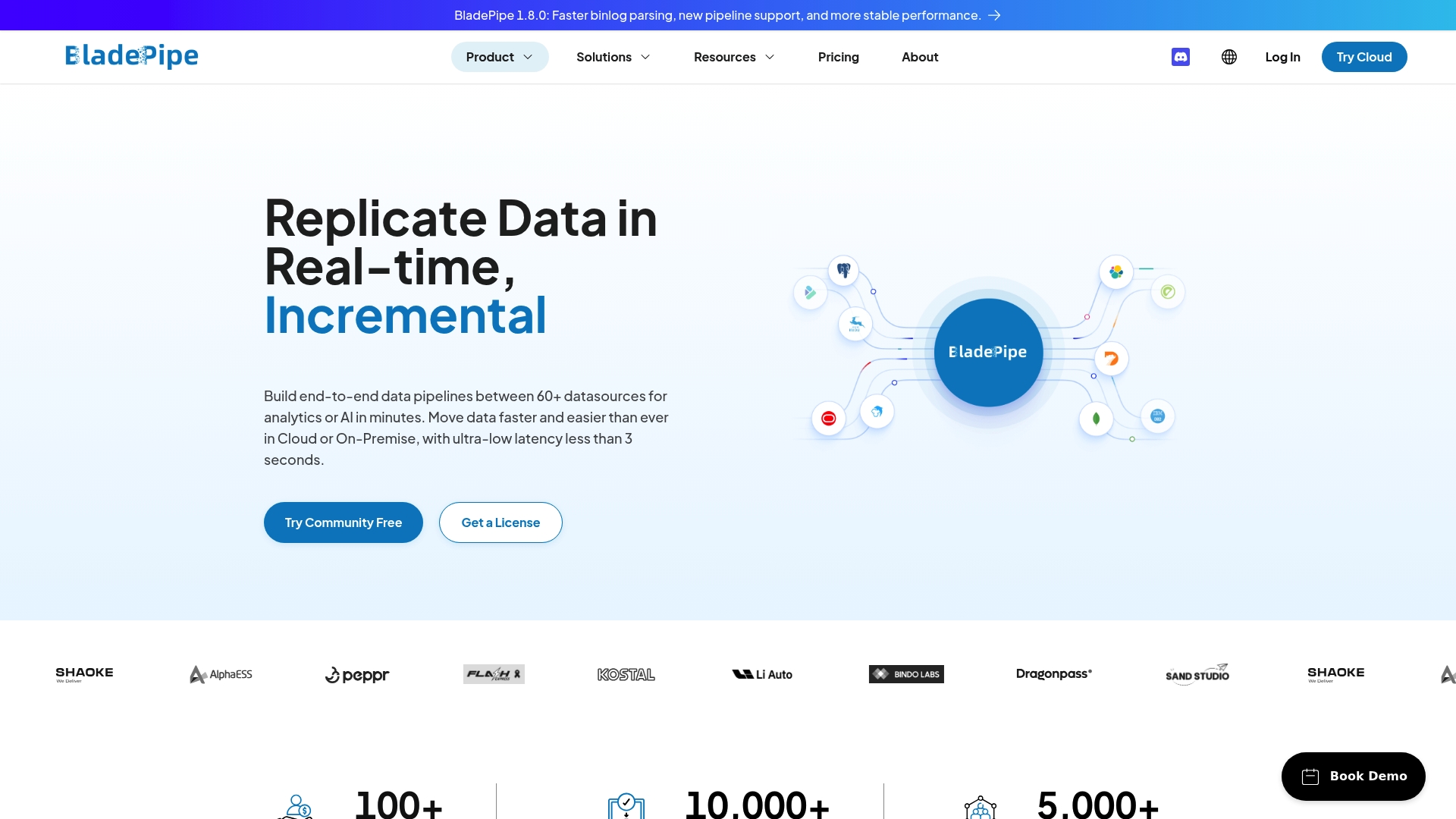
BladePipe reports real time synchronization with less than 3 seconds latency. That metric positions it as a practical fivetran.com alternatives for teams that require near instant data. The product supports both cloud and on premise deployment and includes built in verification tools for pipeline reliability.
Core Features
The vendor claims support for 60+ connectors that cover databases, message queues, and search engines. BladePipe offers real time change data capture, automated transformations, and pipeline visualization to track end to end flow. Built in verification and correction features flag and repair mismatches before data reaches analytics or AI training stores.
Key Differentiator
BladePipe emphasizes ultra low latency and cost efficiency in mission critical data routes. That latency claim makes the offering appropriate when freshness matters for models or dashboards. Flexible deployment choices and within network operation reduce external exposure for regulated environments.
Pros
High performance shows up in low replication lag and quick upstream to downstream delivery, which improves the value of live analytics and AI features that rely on fresh signals. Cost economics are a concrete selling point because the pricing model targets high volume use cases and includes a free community plan. Built in verification and correction reduce time spent hunting for schema drift and missing rows, and the mix of deployment options fits teams running sensitive workloads inside their network.
Cons
-
No mention of built in advanced analytics or machine learning features. This product focuses on reliable pipeline delivery rather than downstream model tooling.
-
Buyer scenarios where neither cloud nor on premise deployment fits may find the platform limiting. Hybrid edge setups are not explicitly documented.
-
Limited information on user interface complexity or learning curve from the vendor materials. That gap may hide operational training needs.
When It May Not Fit
If your team needs integrated model training, feature stores, or hosted analytics, BladePipe may not provide those adjacent capabilities. Organizations that require deep connections to specific analytics platforms should confirm compatibility because explicit integrations beyond data sources are not detailed. Small teams without pipeline engineering resources may prefer a managed connector service with more hand holding.
Who It's For
Data engineering teams and real time analytics professionals who need reliable, low latency delivery will get the most from BladePipe. AI developers building retrieval augmented generation APIs can use its verification layer to keep training data clean. Enterprises with strict network controls will value the within network operation option and on premise deployment.
Real World Use Case
An e commerce engineering team used BladePipe to synchronize transactional records across multiple databases and message queues. The platform fed live dashboards and a chatbot that pulls recent orders for support agents. That setup reduced the lag between purchase events and downstream personalization.
Pricing
BladePipe's marketing materials state cloud pricing starts at $0.01 per million rows. The vendor also advertises a free community plan and enterprise options for larger deployments. Exact enterprise pricing and support terms are available from sales.
Website: https://bladepipe.com
Stacksync
At a Glance
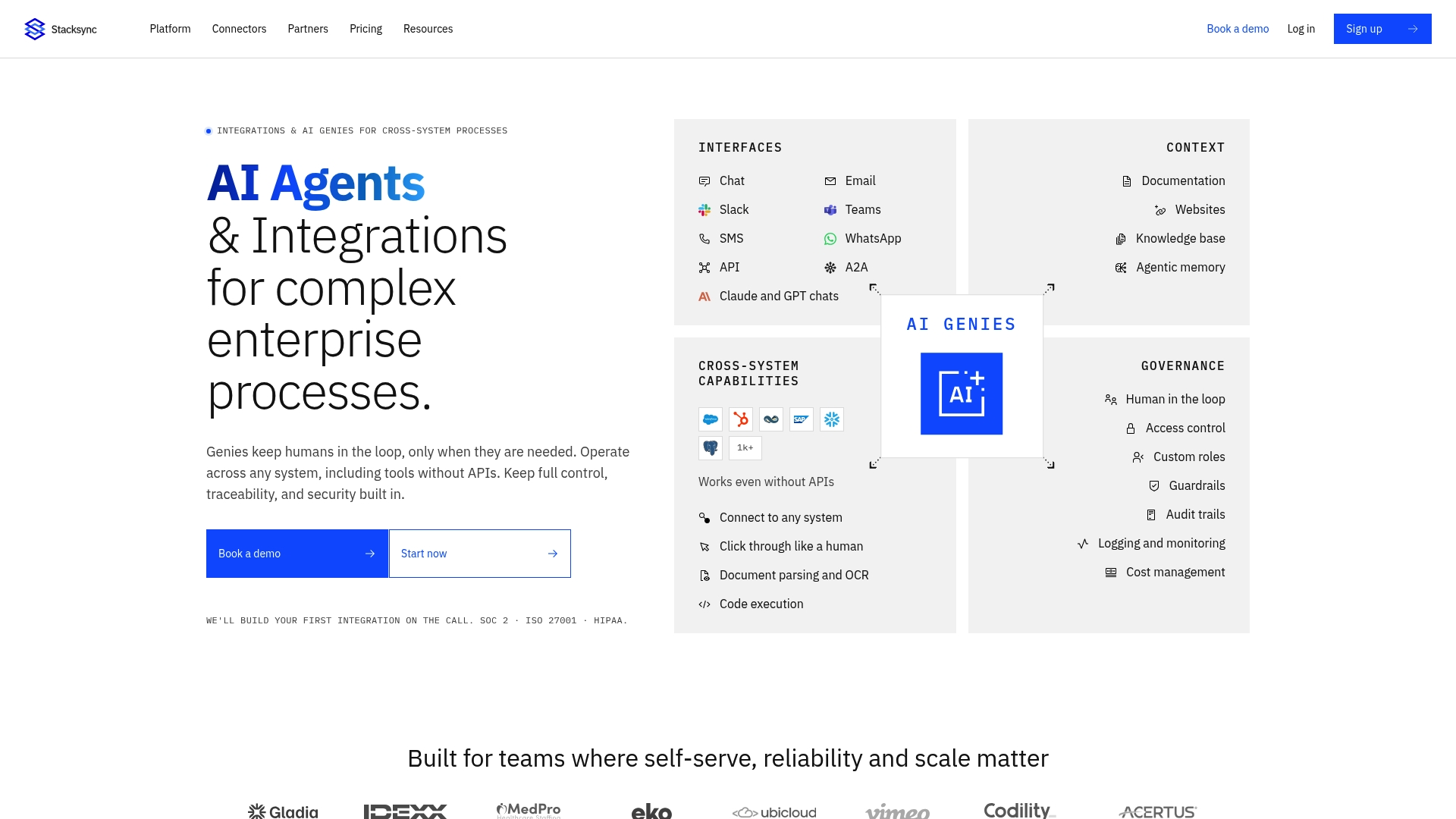
The vendor advertises support for over 1,000 connectors, which signals broad prebuilt reach across apps and databases. Stacksync focuses on real time, bidirectional data synchronization and includes an AI powered Copilot to accelerate integration builds. The platform also lists security standards such as SOC 2 and ISO 27001 plus HIPAA compliance for regulated environments.
Core Features
Stacksync provides real time bidirectional sync, workflow automation, and pipeline ingest capabilities that run together in one environment. It offers AI agents that read knowledge bases and call enterprise apps, buffer and batch event handling without operating Kafka, and managed Postgres hosting alongside workflows. The product also supports EDI mapping and monitoring for formats such as X12 and EDIFACT.
Key Differentiator
Stacksync centers on a pattern agnostic model that treats sync, pipeline, and workflows as first class capabilities in the same platform. That approach reduces custom plumbing for complex enterprise flows and pairs integration building with an AI driven Copilot. Security, regional processing controls, and explicit EDI support position it for regulated B2B and supply chain scenarios.
Pros
The product handles multiple integration patterns together, so teams do not need separate tools for sync and workflow automation. Its live data orientation removes batch delays and keeps operational systems aligned with downstream analytics and tools. Security and compliance controls address enterprise governance and regional data handling needs. The platform offers both no code workflows for business users and pro code options for developers, with the Copilot accelerating custom connector creation.
Cons
- Primarily enterprise focused. Small teams or simple use cases may find the platform more complex than necessary.
- Pricing targets large scale usage. Smaller operations or infrequent syncs may face higher costs.
- Supported data volumes beyond enterprise plans are not specified. Very large or specialized needs likely require a custom quote.
When It May Not Fit
Teams that need occasional one way exports or light weight ETL will likely prefer a simpler tool or a lower cost vendor. Startups or small operations with tight budgets may find the baseline pricing and operational scope excessive. Projects that require detailed public documentation of throughput or volume limits should plan for a custom assessment.
Who It's For
Enterprise IT teams, data engineers, and operations managers who need reliable real time integration across CRM, ERP, and databases will find the platform relevant. Organizations with EDI needs, compliance constraints, or regional data controls will get more value than small teams.
Real World Use Case
A manufacturing company synchronizes ERP, CRM, and inventory systems in real time to reduce manual entry and errors. The company automates order fulfillment and invoicing workflows while preserving audit trails and EDI transaction monitoring.
Pricing
The vendor lists flexible, usage based tiered pricing that starts at $1,000/month for smaller plans. Enterprise and custom options are available and pricing is tied to usage and required data volumes.
Website: https://stacksync.com
Comparison of alternatives
For organizations prioritizing swift integration and tailored analytics, DLH.io showcases standout capabilities in deployment speed and predefined dashboard offerings. Competing platforms offer notable strengths in areas such as low-latency data synchronization and compliance-centric features, presenting a range of specialized tools for diverse enterprise needs.
Deployment and Onboarding Speed
DLH.io emphasizes rapid integration, demonstrated by its claim of deployment within days. This efficiency appeals to teams in industries like retail and manufacturing needing immediate visibility into sales and payroll data. In comparison, integrate.io facilitates onboarding with fixed-price expert guidance, streamlining process adoption yet potentially requiring more time for configuration. Polytomic caters to enterprises demanding thorough control, but its setup might be complex for non-technical users familiarizing themselves with its advanced features.
Latency in Operational Pipelines
BladePipe excels in processing changes within three seconds, addressing scenarios where real-time data access is crucial. Companies building analytics platforms or refining AI models benefit from this capability when managing fresh traffic signals. While Skyvia and BladePipe both support live data endpoints, BladePipe's performance metrics focus explicitly on minimal latency, which is a key attribute for teams handling live, high-speed operational data.
Best fit
- Expedited deployment with industry-specific, pre-configured dashboards makes DLH.io suitable for retail or restaurant teams looking for efficient operational visibility.
- Enterprises demanding sub-three-second latency with low-latency infrastructures find BladePipe suited to their needs.
- Organizations relying heavily on regulatory compliance measures benefit from Stacksync’s control and monitoring capabilities.
- Teams needing a broad array of connectors and a cloud-hosted no-code ETL solution for visual modeling excel with Skyvia.
Our pick
DLH.io is recommended for businesses focusing on rapid deployment and straightforward operational data integration. Its industry-specific dashboard tailorability combined with integration without heavy engineering enables it to support operational managers, data analysts, and payroll teams efficiently. Nonetheless, businesses prioritizing ultra-low latency or compliance-ready solutions might prefer competitors like BladePipe or Stacksync in these specific dimensions.
To assist with evaluating no-code data integration platforms, the following table compares key features, pricing, and suitability of several top alternatives.
| Product | Key Features | Pricing | Ideal for | Notable Limitation |
|---|---|---|---|---|
| Datalakehouse | Industry-specific dashboards, unified data Lake and Warehouse, AI data summarization | $15/location or $0.12/employee | Restaurants, retail, and CPG companies | May require professional support for complex systems integration |
| integrate.io | Low-code ETL pipeline creation, unlimited data capacity | $1,999/month | High-throughput data engineering teams | Fixed pricing can be cost-prohibitive for low-throughput organizations |
| Skyvia | Over 200 connectors, visual pipeline building, supports scheduled and real-time workflows | $79/month | IT professionals and data analysts needing cloud-hosted automation | Limited offline or on-premises deployment capabilities |
| Polytomic | Self-hosting, SQL-based transformations, unified ETL and CDC | Starting at $500/month | Enterprises requiring on-premises data operations and compliance | Advanced configurations may require additional technical expertise |
| BladePipe | Real-time synchronization with sub-3 second latency, cost-effective data routing | $0.01/million rows | AI and analytics teams focusing on high-speed data processing | Lacks built-in analytics or machine learning integration |
| Stacksync | AI-powered integration copilot, SOC 2 and HIPAA compliant, supports EDI and workflow automation | Starting at $1,000/month | Enterprise-focused IT teams needing secure and regulatory-compliant workflows | May be overly complex or cost-intensive for smaller teams |
How to Overcome Data Fragmentation Challenges in Restaurant and Retail Operations
Many data engineers, analytics teams, and operational managers struggle with merging sales, payroll, and inventory data from multiple systems quickly and accurately. Managing custom pipelines or waiting through long deployment cycles delays actionable insights and slows timely decisions about labor costs and sales trends. Datalakehouse removes those barriers by offering a no-code, fully managed platform that unites operational data sources into a single real-time view.
DLH delivers fast deployment with pre-built dashboards tailored for restaurants and retail. This helps teams see unified labor and sales metrics immediately without heavy internal engineering. Explore how Datalakehouse transforms multiple siloed systems into one reliable source, enabling you to improve reporting and revenue outcomes.
Learn more about Datalakehouse solutions and see how you can import your sales and payroll data into a unified dashboard within days.
FAQ
How does Datalakehouse support rapid deployment for data integration?
Datalakehouse enables fast deployment, allowing organizations to achieve dashboard visibility in days instead of months. This is due to its industry-specific pre-built dashboards and automated pipelines, which minimize engineering time. Teams can quickly access and visualize vital sales and labor metrics.
What is the difference between Datalakehouse and integrate.io?
Integrate.io offers fixed-fee, unlimited data pipelines for $1,999/month, allowing teams to manage costs effectively. In contrast, Datalakehouse is designed for restaurants, retail, CPG, and manufacturing sectors, providing no-code integration and tailored dashboards. This makes Datalakehouse particularly suitable for businesses needing simple, fast integration without extensive engineering resources.
Can DLH manage complex integrations without coding?
Yes, Datalakehouse requires no code for integration, making it user-friendly for non-technical teams. This capability allows data engineers and operational managers to unify their data sources effectively without needing extensive coding skills. Users can focus on analytics rather than IT workload.
Which platform is better for HR and payroll teams with limited engineering resources?
Datalakehouse is particularly beneficial for HR and payroll teams as it provides simpler access to headcount and cost data in a unified view. The no-code managed approach helps these teams streamline their data needs without needing heavy internal ETL work.
Does DLH provide raw table access for advanced analysis?
Datalakehouse offers direct access to raw tables, enabling teams to perform custom analysis when needed. This flexibility allows data engineers to create specific queries and insights while benefiting from the platform's automated features.