Setup Steps
DLH.io Setup Guide for Harvest
Setup Instructions
The Harvest account that you are using should be assigned the Administrator role and have access to all Modules. Steps to ensure the Harvest account has access to all Modules.
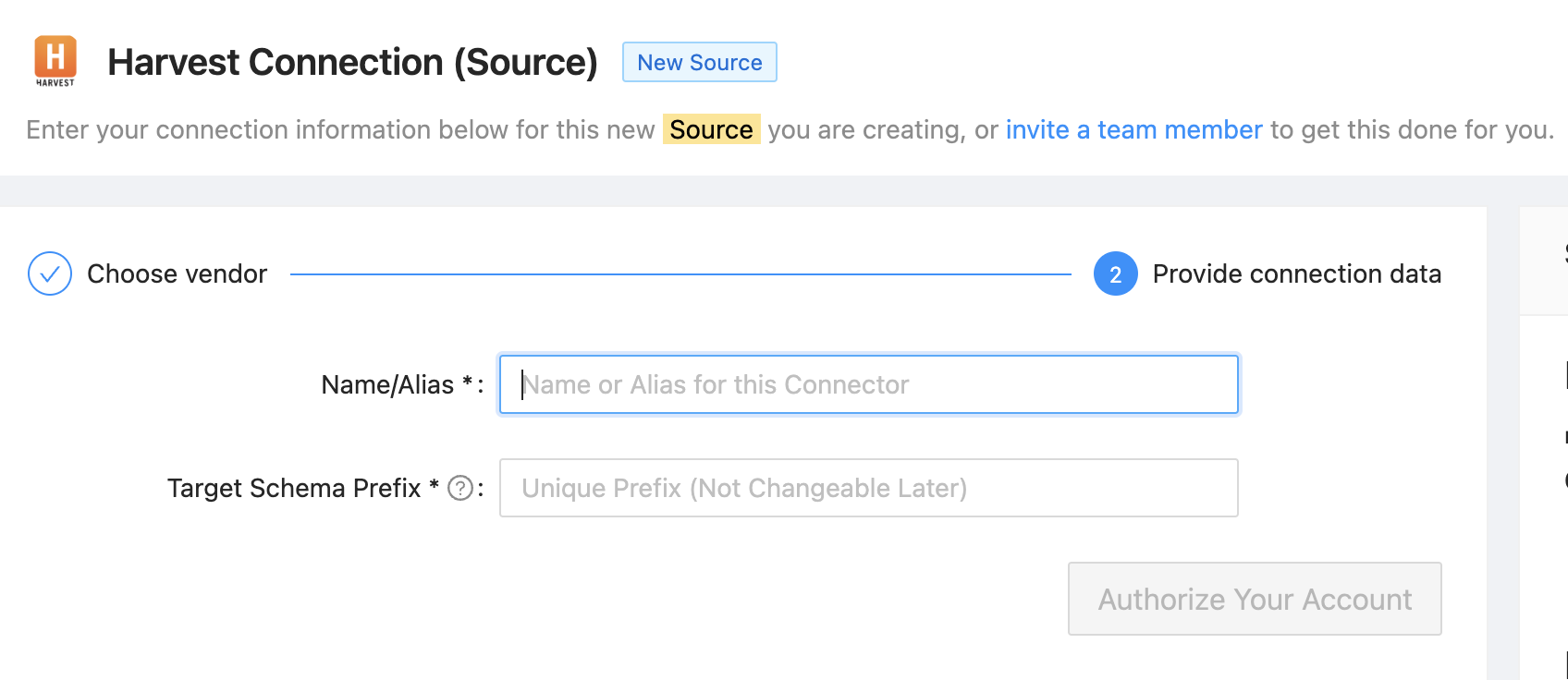
DLH.io securely connects to your Harvest account. Using the form in the DLH.io portal please complete the following steps:
- Enter a Name or Alias for this connection, in the 'Name/Alias' field, that is unique from other connectors.
- Enter in the 'Target Schema Prefix' field, a name that will be unique in your cloud warehouse destination database where you wish to replicate the data.
- Click the Authorize Your Account button which will save the connection.