Creating an API Key
DLH.io documentation for Creating an API Key
To connect Klaviyo to DLH.io, you need a Klaviyo account.
Create API Key
- Log in to your Klaviyo account.
-
On the left navigation menu, click your account name and then select Settings.


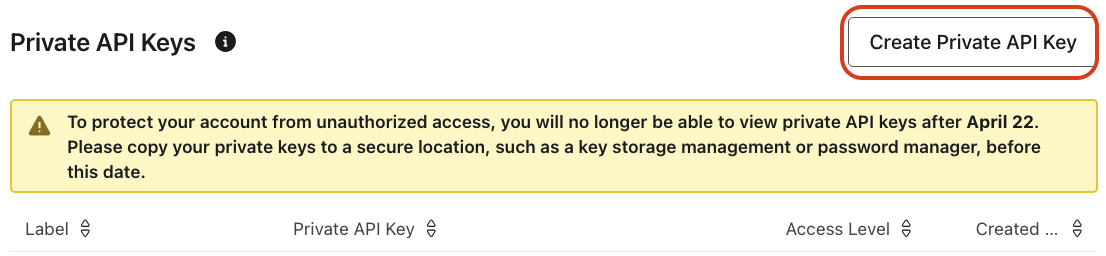
- Click Create Private API Key.
-
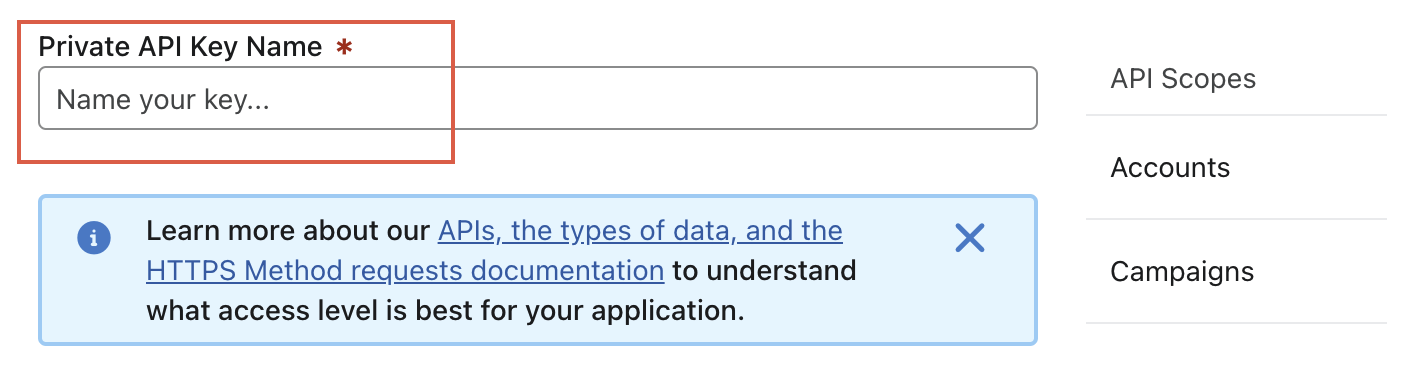
Enter the Private API Key Name.
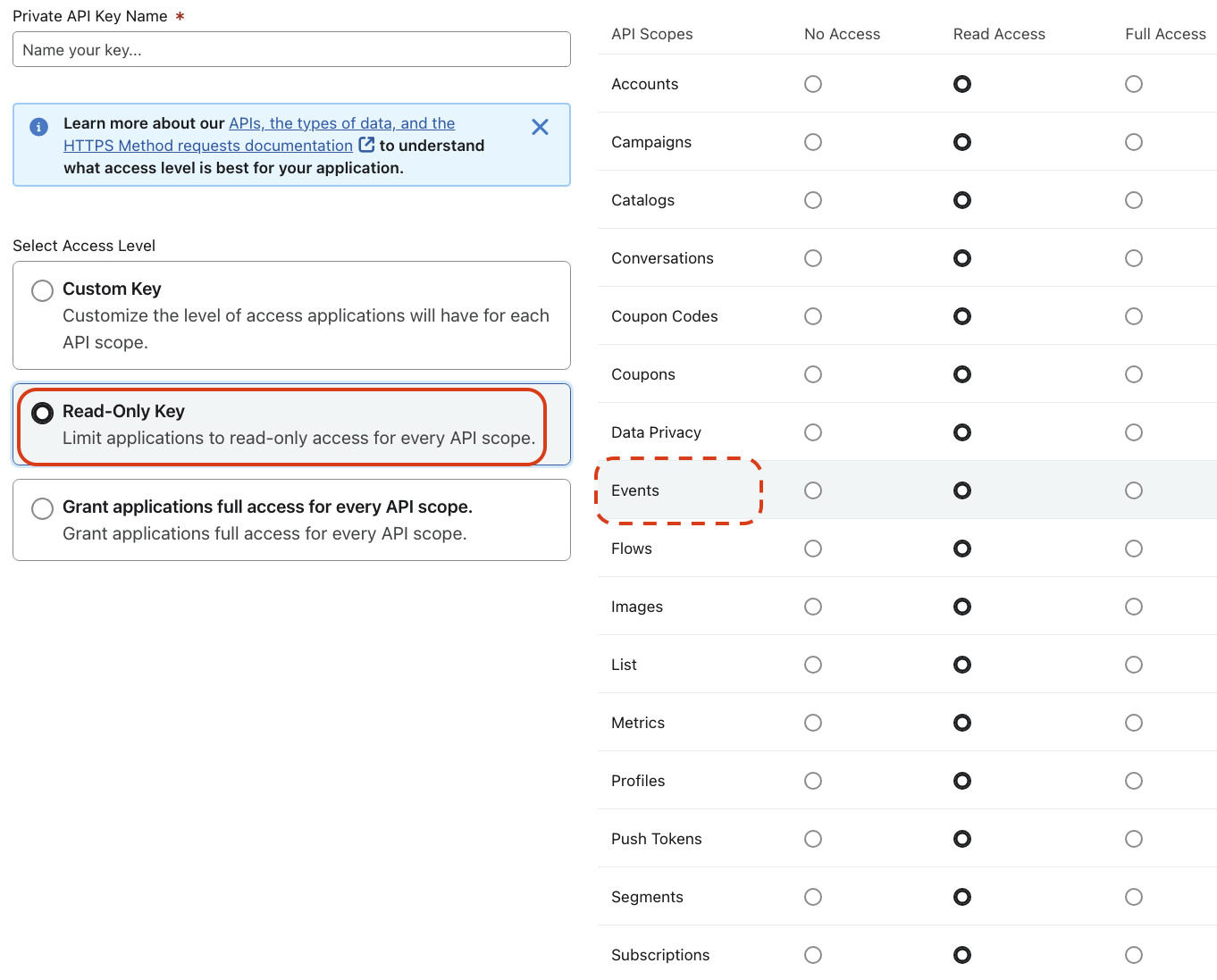
- Provide the required Access Level and API Scopes. We recommend you to provide the Read-Only Key access level for all the endpoints if you want to sync all tables. You can also provide the access and scopes based on the endpoints you want to sync.
- Click Create.
- Make a note of the API key. You will need it to configure DLH.io.